
ELEGOO PLA Filament 1.75mm 1kg: Review and Buying Guide
Last Updated: November 14, 2026
Quick Summary
The ELEGOO PLA Filament 1.75mm 1kg is a standard PLA spool priced at $13.99, suited to organizers, brackets, signs, prototypes and display models. It comes in five colors (black, dark blue, gray, red and white) and prints well at roughly 190 to 230 °C. Confirm your printer takes 1.75 mm filament before ordering.
- Each 1 kg spool costs $13.99 and is available in five colors.
- Most PLA prints well between about 190 and 230 °C, adjusted in 5 °C steps.
- PLA softens at low temperatures, so parts in hot conditions may warp.
- Store spools sealed with desiccant, since damp filament causes popping and rough surfaces.
- Choose PLA Plus instead for parts that must survive knocks, flexing or repeated handling.
Table of Contents
- ELEGOO PLA Filament 1.75mm 1kg at a Glance
- Available Colors and Which One to Pick
- ELEGOO PLA Print Temperature and Print Settings
- ELEGOO PLA vs PLA Plus: Which Fits Your Projects
- Print Quality, Dimensional Accuracy, and Printer Compatibility
- How to Store PLA Filament So It Stays Dry
- Fixing Stringing When Printing ELEGOO PLA
- Getting Your First ELEGOO PLA Spool from Pewgilist
- Frequently Asked Questions
ELEGOO PLA Filament 1.75mm 1kg at a Glance
If you print at home, the ELEGOO PLA Filament 1.75mm 1kg spool is one of the most practical materials you can keep on the shelf. It is a 1.75 mm PLA filament sold on a 1 kg spool at $13.99, and it suits organizers, brackets, signs, prototypes, display models, toys, cosplay parts and general maker projects. At Pewgilist, this filament is available in five colors, so you can match it to the job in front of you.
PLA is a common everyday material for FDM printers and is a sensible default when high-temperature resistance is not the main requirement. The trade-off is that PLA softens at relatively low temperatures, so parts that sit in a hot car or near a heat source may warp. Plan your projects around that limit.
The 1.75 mm diameter is the standard for most consumer printers. Check your printer's specification before you buy, because a 2.85 mm printer will not accept this filament.
Overview of polylactic acid (PLA) properties and uses
Available Colors and Which One to Pick
Five colors are available in this line: black, dark blue, gray, red and white. Each spool holds 1 kg of filament at $13.99, so the color choice mostly comes down to the look you want on the finished part.
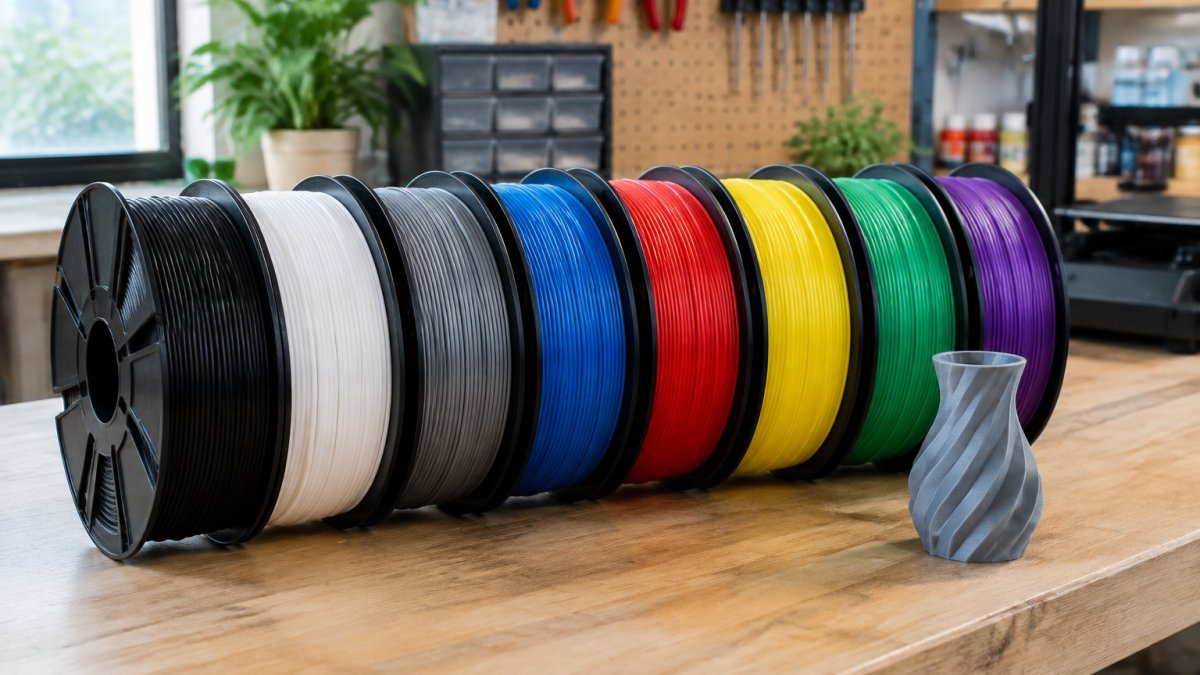
Black is the most versatile choice. It fits functional parts and decorative work equally well, and it pairs easily with brighter accent colors. Gray shows surface detail clearly without the distraction of a bright color, which makes it useful for test fits and models you plan to paint later. White works as a clean base for painting and as a contrast color in multi-color builds. Dark blue suits nautical themes, team colors and sci-fi props. Red is the strong accent choice for logos, labels and holiday projects.
If you are unsure, start with black or gray. Both are forgiving and useful across most projects.
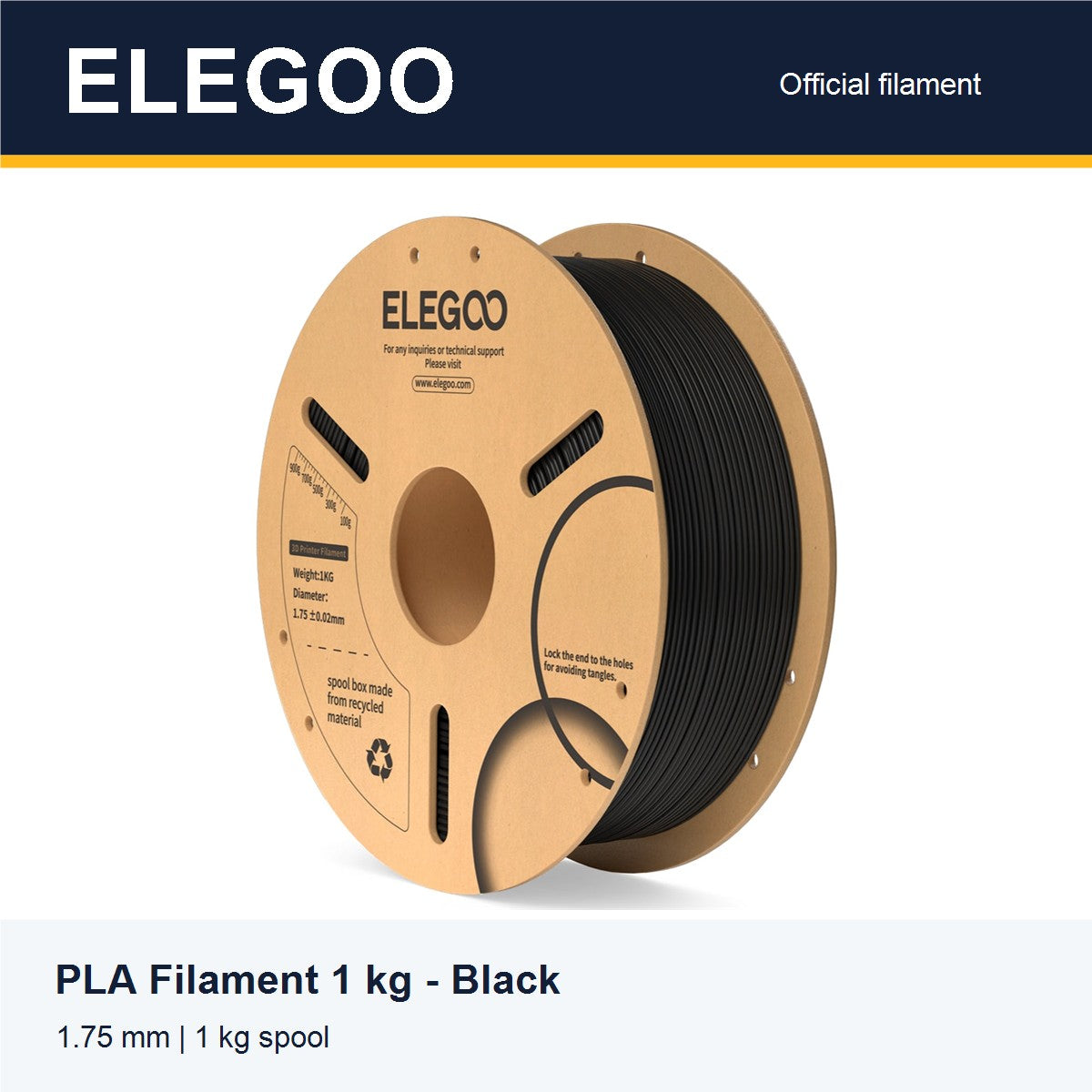
- Black spool for enclosures, tool holders and gaming accessories.
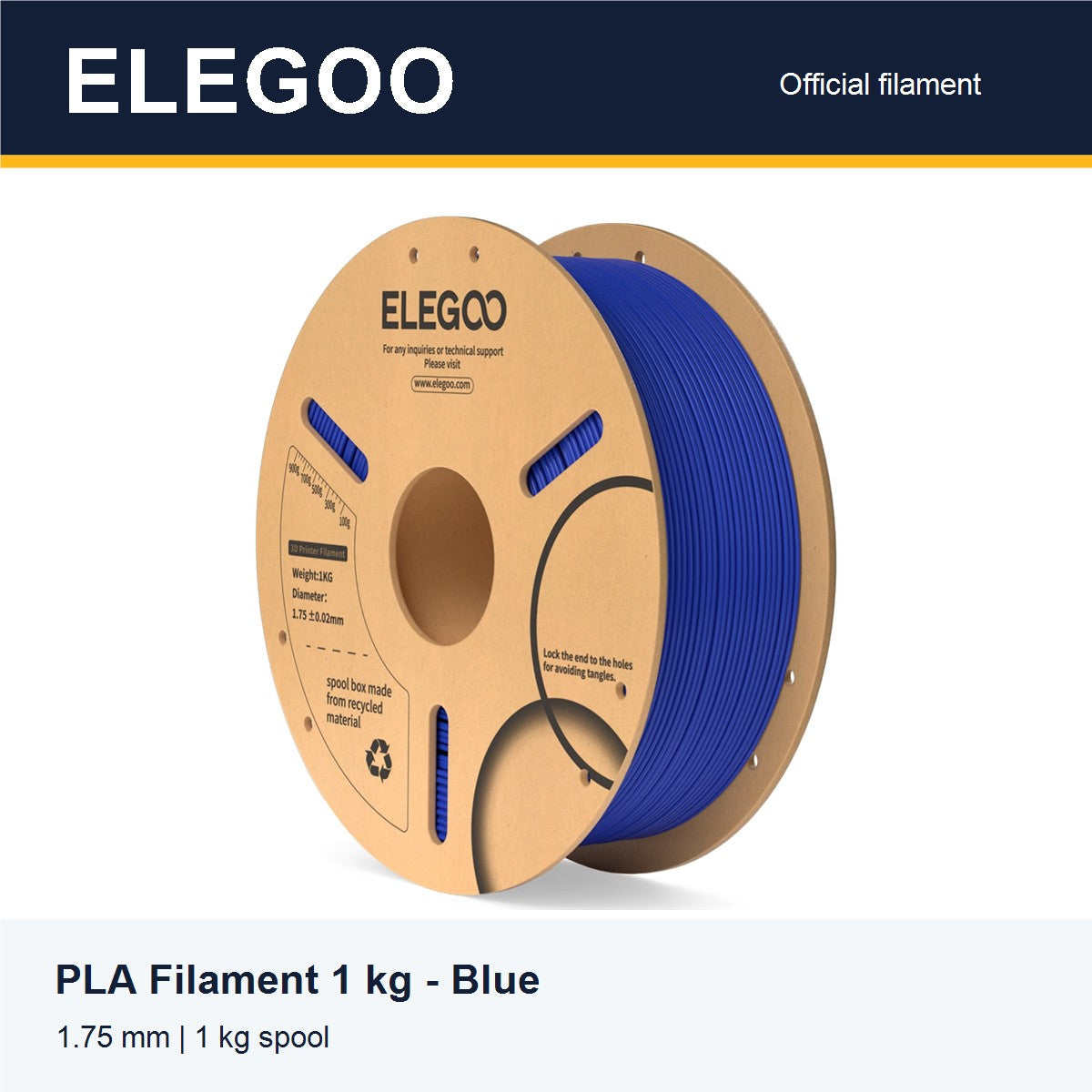
- Dark blue spool for themed props, logos and display models.
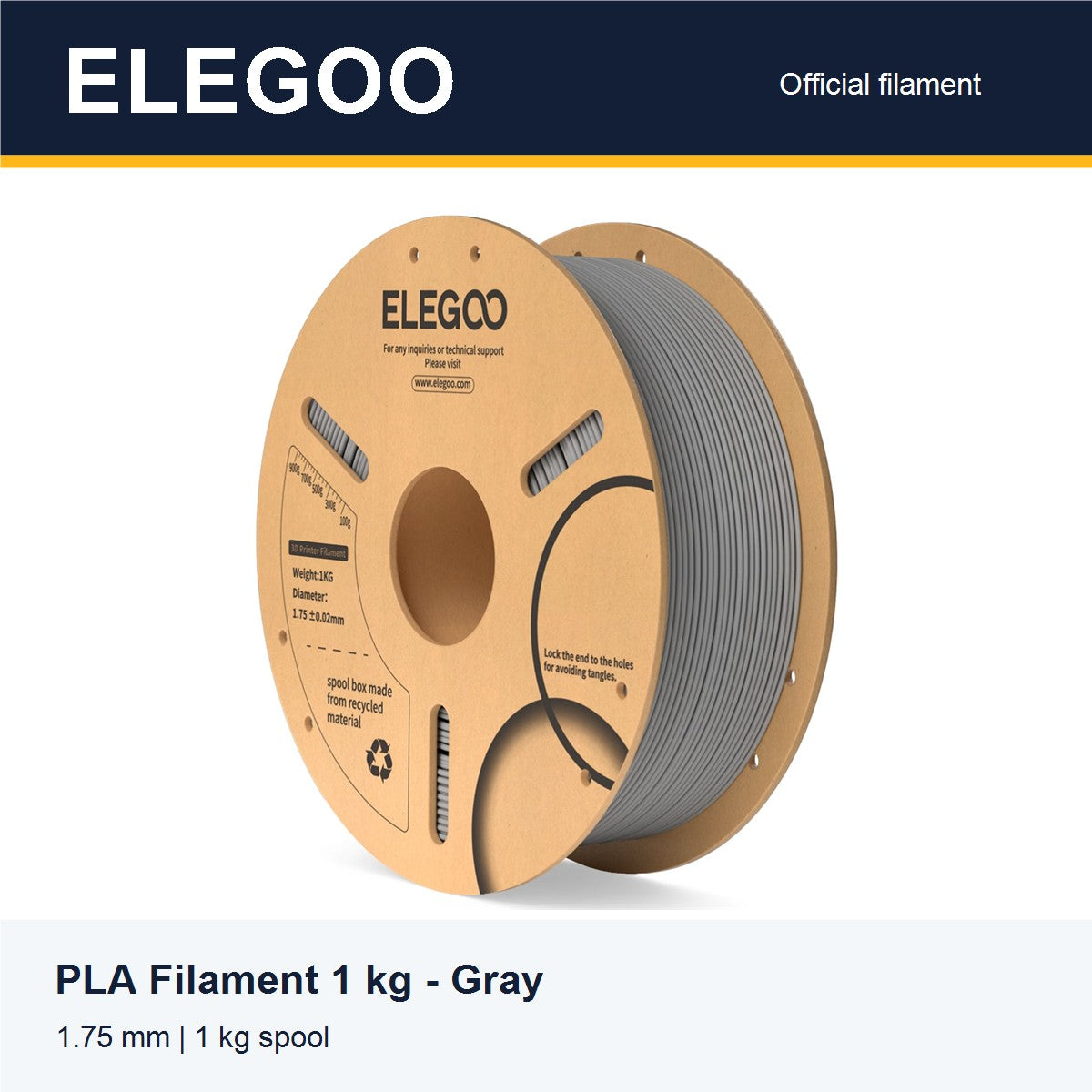
- Gray spool for prototypes, test fits and terrain you plan to paint.
- Red spool for signs, labels and high-visibility parts.
- White spool for painted projects, lithophanes and clean finished pieces.
The five colors in this line each suit different jobs, as summarised below.
| Color | Best for |
|---|---|
| Black | Enclosures, tool holders, gaming accessories |
| Dark blue | Themed props, logos, display models |
| Gray | Prototypes, test fits, terrain to paint |
| Red | Signs, labels, high-visibility parts |
| White | Painted projects, lithophanes, finished pieces |
ELEGOO PLA Print Temperature and Print Settings
Most PLA prints well in a nozzle range of roughly 190 to 230 °C, but the exact setting depends on your printer, your hotend, and the flow of the spool. Start at a mid-range temperature and adjust in 5 °C steps based on what you see. A nozzle that is too cool causes under-extrusion, weak layer adhesion, and a matte, rough surface. One that is too hot causes stringing, blobbing, and sagging on overhangs.
Bed temperature for PLA is usually low, often 50 to 60 °C, or no heat at all on many printers. A cool bed can still cause corner lift on large flat parts, so use a brim or a glue stick on the plate if you see corners curling. For a 1 kg spool, the first layer matters most: a slightly squished first layer at 20 to 25 mm/s gives the best adhesion before you speed up.
Print speed also matters. Slower speeds usually give cleaner walls and better layer adhesion on detailed models. Faster speeds work well for large, simple parts where surface finish is less important. A common pattern is 40 to 60 mm/s for outer walls and 80 to 100 mm/s for infill on a well-tuned printer. Cooling should be on for PLA, typically 100% after the first layer, because PLA needs rapid cooling to hold overhangs and bridges.
Retraction settings are worth dialing in early. Start around 0.8 to 1.0 mm at 35 to 45 mm/s for a direct-drive extruder, or 4 to 6 mm at 45 to 60 mm/s for a Bowden tube setup. Too little retraction produces stringing; too much can grind the filament or cause clogs.
Adjust one variable per test print so you can tell which change fixed or caused a problem.
Guidance on 3D printing material settings
ELEGOO PLA vs PLA Plus: Which Fits Your Projects
Standard PLA is the right choice for most indoor projects. It prints easily, holds fine detail and costs little. PLA Plus is a modified formulation designed to be tougher and less brittle. In practice, PLA Plus is useful when a part must take a knock, flex slightly or survive repeated handling without cracking.
The difference is in strength and flexibility, not in print ease. Standard PLA can snap under sudden impact, while PLA Plus absorbs more energy before it fails. Both still soften under heat, so neither is a good match for parts exposed to hot conditions. A common pattern is that PLA Plus prints at a slightly higher nozzle temperature, often 10 to 15 °C above standard PLA, and may need a little more retraction tuning because of its different melt flow.
A simple way to choose is by part function. If the part is decorative, a display model, a sign, an organizer, or a prototype that will not see load, standard PLA is the efficient choice. If the part is a bracket, a clip, a hinge, a tool holder, or anything that will be dropped, flexed, or tightened repeatedly, PLA Plus is the better match. For parts that must resist heat, neither formulation is ideal; a different material is the right path.
This ELEGOO listing is standard PLA, so for tougher parts you should check the product specifications before ordering. If you are unsure, print the same small test part in both formulations and compare how each fails: standard PLA tends to crack cleanly, while PLA Plus tends to deform before it breaks.
Watch out: do not assume PLA Plus is a drop-in replacement for standard PLA in a tuned profile. Re-run a temperature tower and a retraction test before printing a long job.
Print Quality, Dimensional Accuracy, and Printer Compatibility
Consistent filament diameter is what keeps extrusion steady from layer to layer. A spool that varies in diameter can cause under-extrusion in some sections and blobs in others. The 1.75 mm standard tolerance matters most when you print long, precise parts.
Printer compatibility is simple for most users: a printer that takes 1.75 mm filament is the usual match for this spool. Check your extruder's tolerance and your nozzle size. A 0.4 mm nozzle is the usual default for detailed work.
Dimensional accuracy also depends on calibration. Measure a test cube after each setting change, and keep your slicer's flow rate matched to your filament. Small differences in flow rate often explain why a part measures slightly off.
Guidance on dimensional accuracy in additive manufacturing
How to Store PLA Filament So It Stays Dry
PLA absorbs moisture from the air over time. Damp filament makes popping and bubbling sounds during extrusion, leaves a rough surface and can weaken parts. Store unused spools in a sealed bag or bin with a desiccant pack, and keep them away from direct sunlight and heat.
If a spool has been exposed to humidity, drying it can restore print quality. Many makers dry PLA at low temperatures in a filament dryer or food dehydrator. Use the drying guidance from your filament manufacturer, and do not exceed the temperature the material can tolerate.
Watch out: leaving PLA in a warm, humid room for several days can cause visible quality problems that look like a printer fault. Check the spool before you blame the machine.
Fixing Stringing When Printing ELEGOO PLA
Stringing is thin strands of plastic between separate parts of a print. It usually comes from a nozzle that is too hot, a retraction setting that is too low, or filament that has absorbed moisture. Reduce the nozzle temperature in 5 °C steps and increase retraction distance gradually.
Travel speed also helps. Faster travel moves give the filament less time to ooze between sections. Enable combing or avoid-crossing-perimeters in your slicer if your printer supports them.
If stringing persists after these changes, dry the spool and retest. Moist filament is a common and often overlooked cause.
Getting Your First ELEGOO PLA Spool from Pewgilist
Pewgilist is an online shop curated by makers for makers, offering trusted filament brands alongside practical how-to guides and custom 3D printing services. The ELEGOO PLA spools are priced at $13.99 each, and you can choose from black, dark blue, gray, red and white.
Start with one spool in a color that fits your next project. Print a calibration tower first, dial in your temperature, and then move on to the parts you actually need. Once you know how your printer handles the material, adding a second color is an easy decision.
Ready to start printing? Shop the ELEGOO PLA range at Pewgilist and pick the color that fits your next build.
Frequently Asked Questions
What diameter is ELEGOO PLA 1.75mm 1kg filament? It is 1.75 mm in diameter and sold on a 1 kg spool. Confirm that your printer takes 1.75 mm filament before ordering.
What temperature should I print ELEGOO PLA at? Most PLA prints well between about 190 and 230 °C. Start mid-range, run a calibration tower, and adjust in 5 °C steps for your printer.
Is ELEGOO PLA suitable for outdoor use? PLA softens at relatively low temperatures, so parts left in hot conditions can warp. It suits indoor projects better than outdoor parts exposed to heat.
How do I stop my PLA from stringing? Lower the nozzle temperature slightly, increase retraction, and dry the spool if it has absorbed moisture.
Frequently Asked Questions
Is ELEGOO PLA filament good for 3D printing?
ELEGOO PLA is a practical general-purpose filament for everyday FDM printing. Each 1 kg spool holds 1.75 mm filament, which suits most common desktop printers. It works well for organizers, brackets, signs, prototypes, display models, and cosplay parts. PLA is easy to set up and handles projects that do not need high heat resistance. For parts exposed to heat, such as near a car dashboard, a higher-temperature material is the better choice. Pewgilist lists the spools at $13.99 each.
What temperature should I use for ELEGOO PLA filament?
Start with the nozzle temperature printed on your spool or in your slicer profile, then fine-tune from there. Many PLA users print in a mid-range band and adjust up or down by about 5 degrees to balance layer adhesion against stringing. Print bed temperature for PLA is usually low, and many users print without a heated bed or with a light heat setting. Run a temperature tower test when you change colors to find the best setting for your printer.
What is the difference between ELEGOO PLA and PLA Plus?
Standard PLA is the easiest to print and is stiffer but more brittle. PLA Plus is a modified formulation designed to be tougher and less prone to snapping, usually at the cost of a slightly harder print process. If your parts will be handled, dropped, or stressed, PLA Plus can be the better fit. For decorative prints, prototypes, and display models, standard PLA is often enough. Test both on a small part before committing to a large print.
How should I store an opened spool of PLA filament?
Keep the spool sealed in a container with desiccant or in a dry box when not printing. PLA absorbs moisture from the air over time, which can cause bubbling, brittle prints, and rough surfaces. If a spool has been exposed to humidity, drying it at a low temperature for several hours before printing can restore quality. Store spools away from direct sunlight and heat sources. Keeping spools sealed is the simplest way to protect the filament between projects.
